Sleep debt
Understand what adds up.
See an estimate of your recent shortfall against your personal sleep goal, with recent nights counting more. Recorded coverage helps you understand what the estimate is based on.
Sleep debt tracker for iPhone
See the sleep you're missing.
Understand your nights and make room for rest with Apple Health or manual sleep logs.
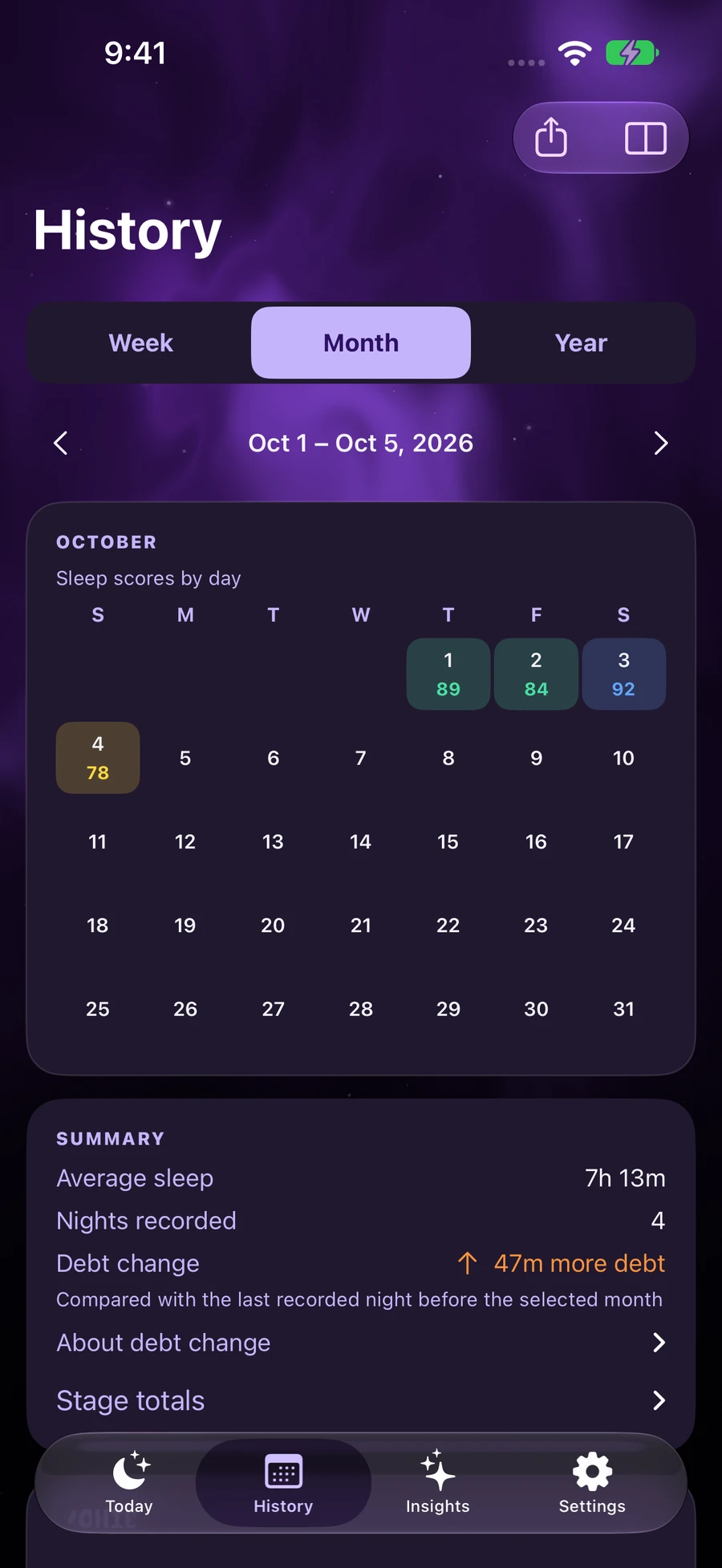
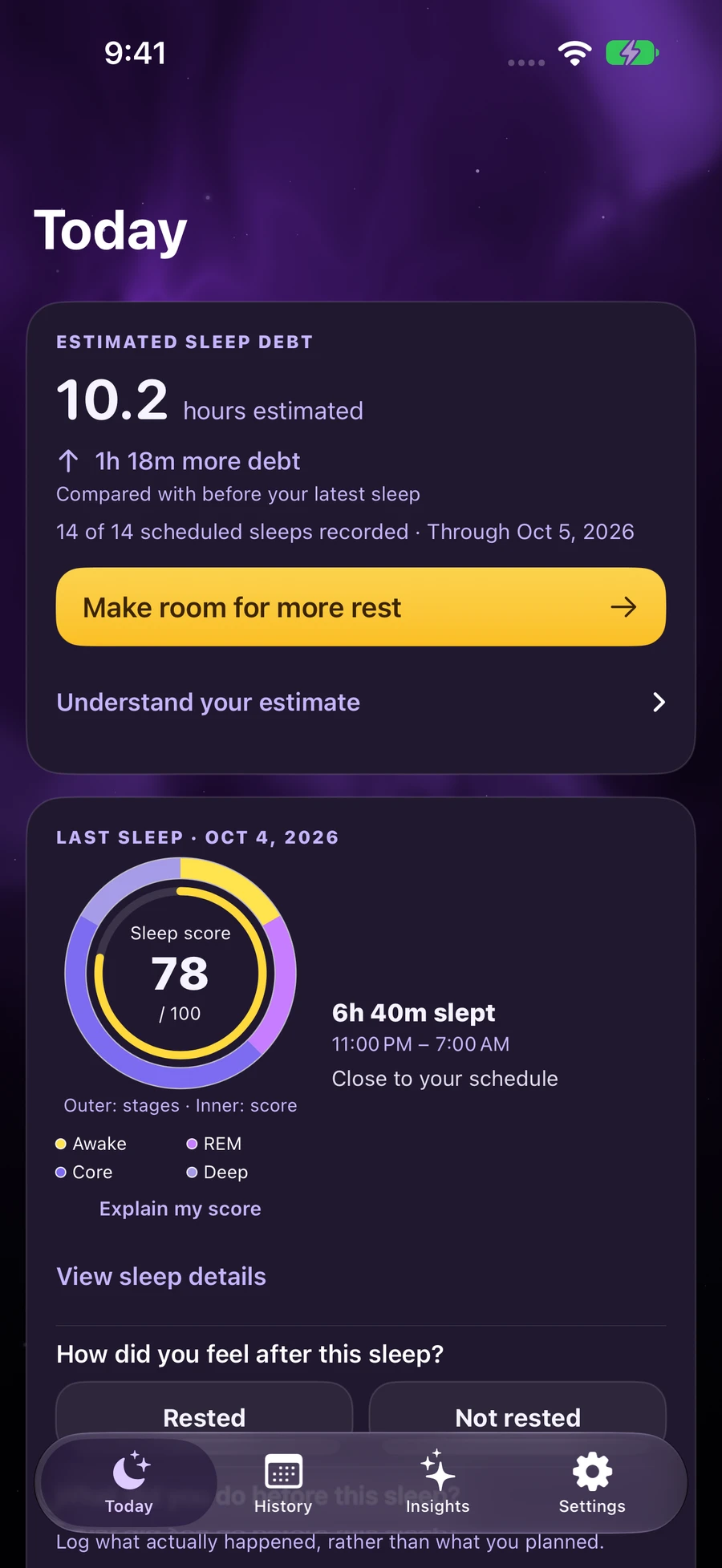
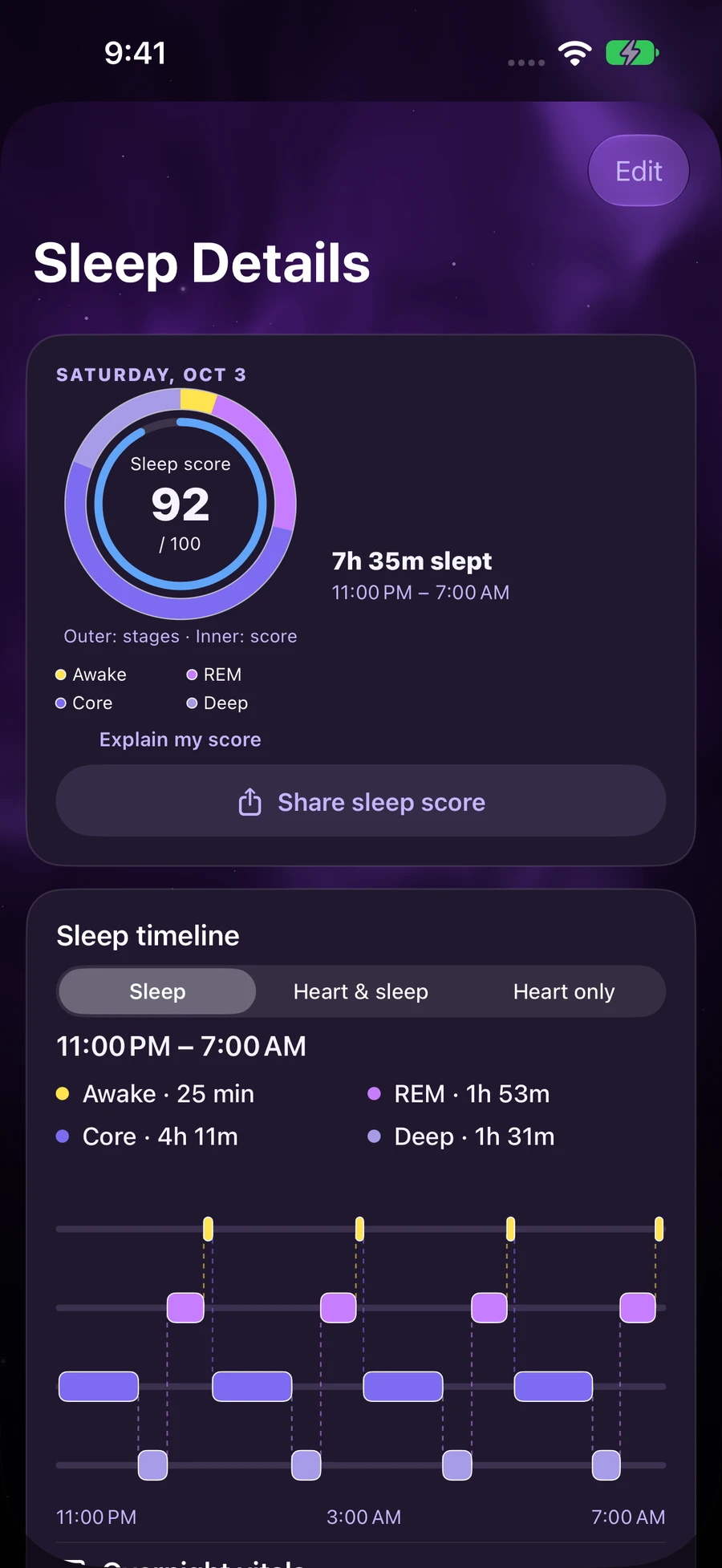
Turn Apple Health records or manual sleep logs into a clearer picture of your nights. See your estimated sleep debt, understand your nightly score, and make room for a routine that fits your life.
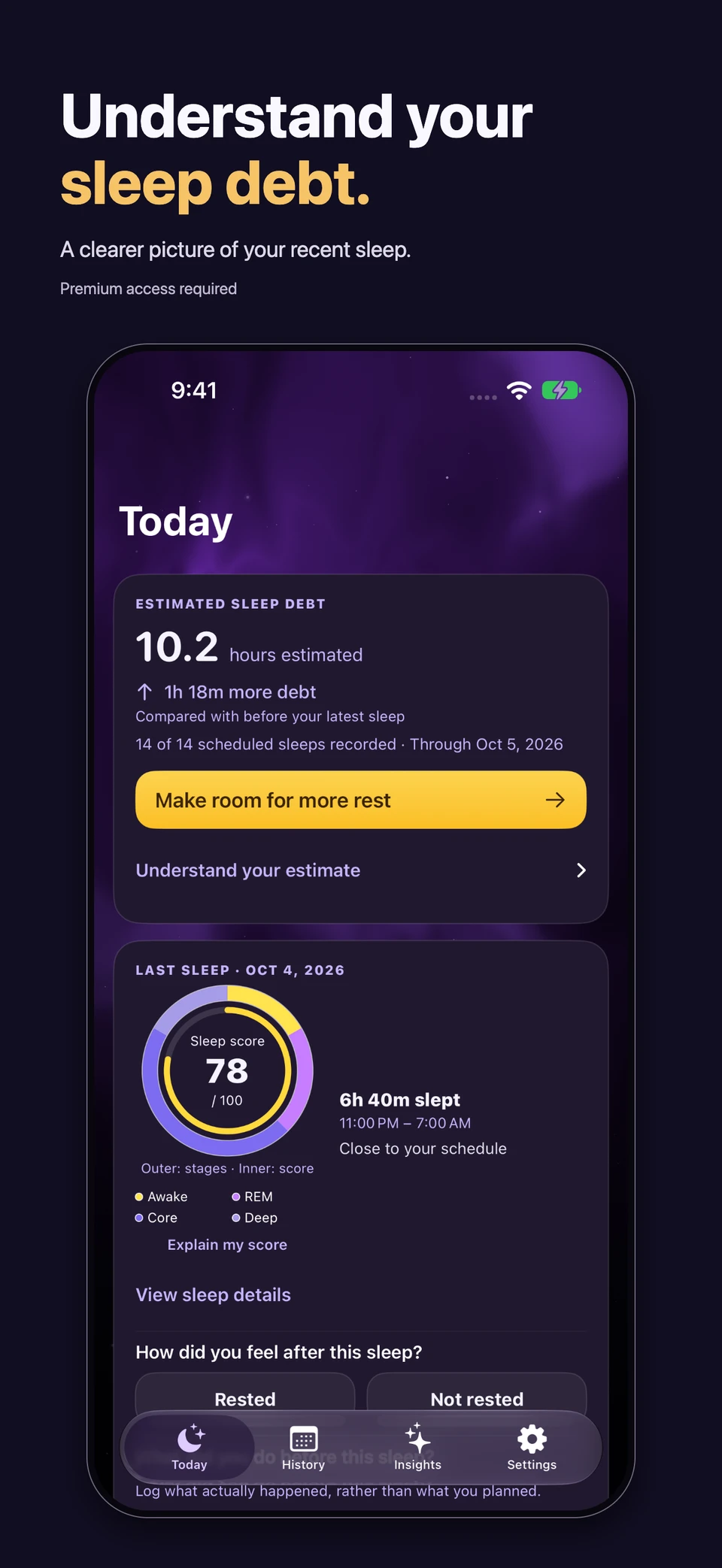
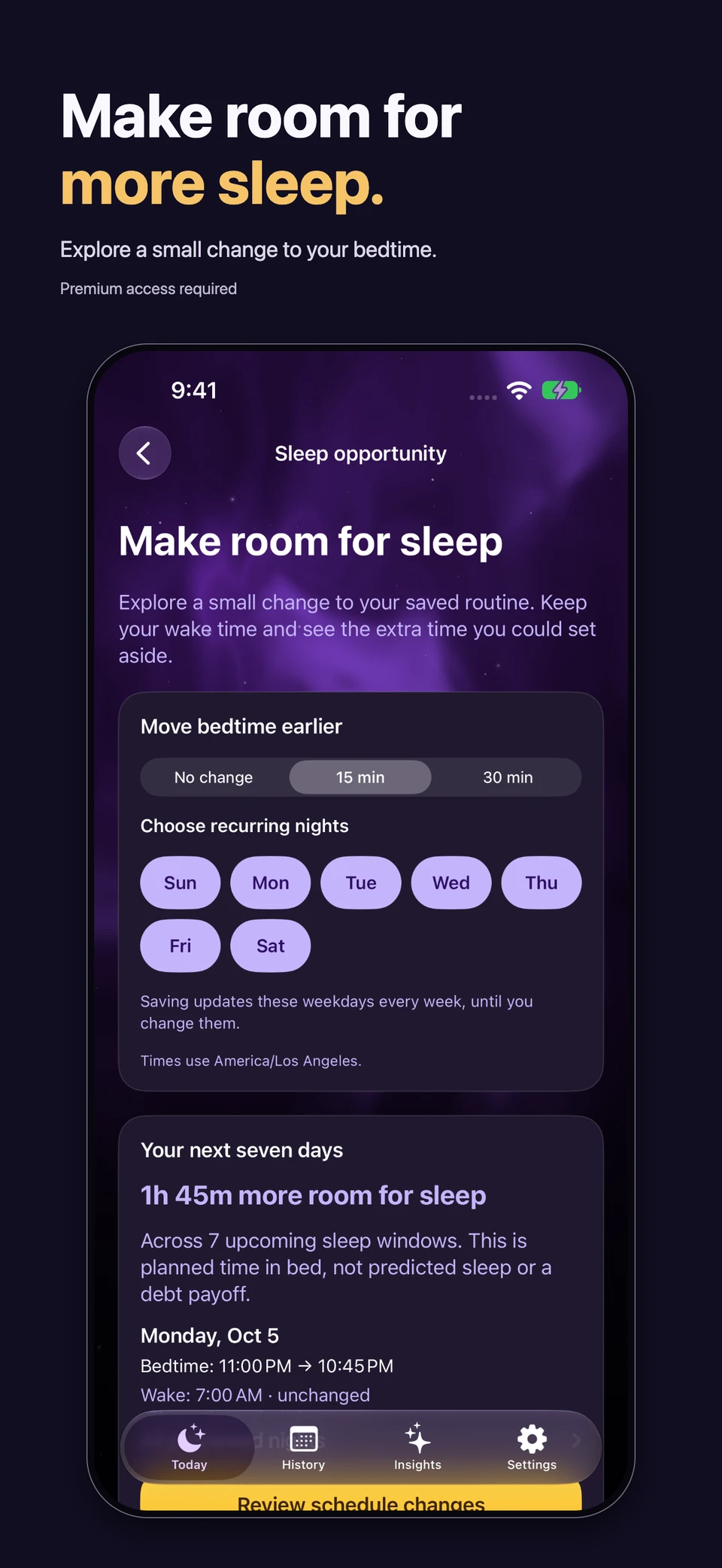
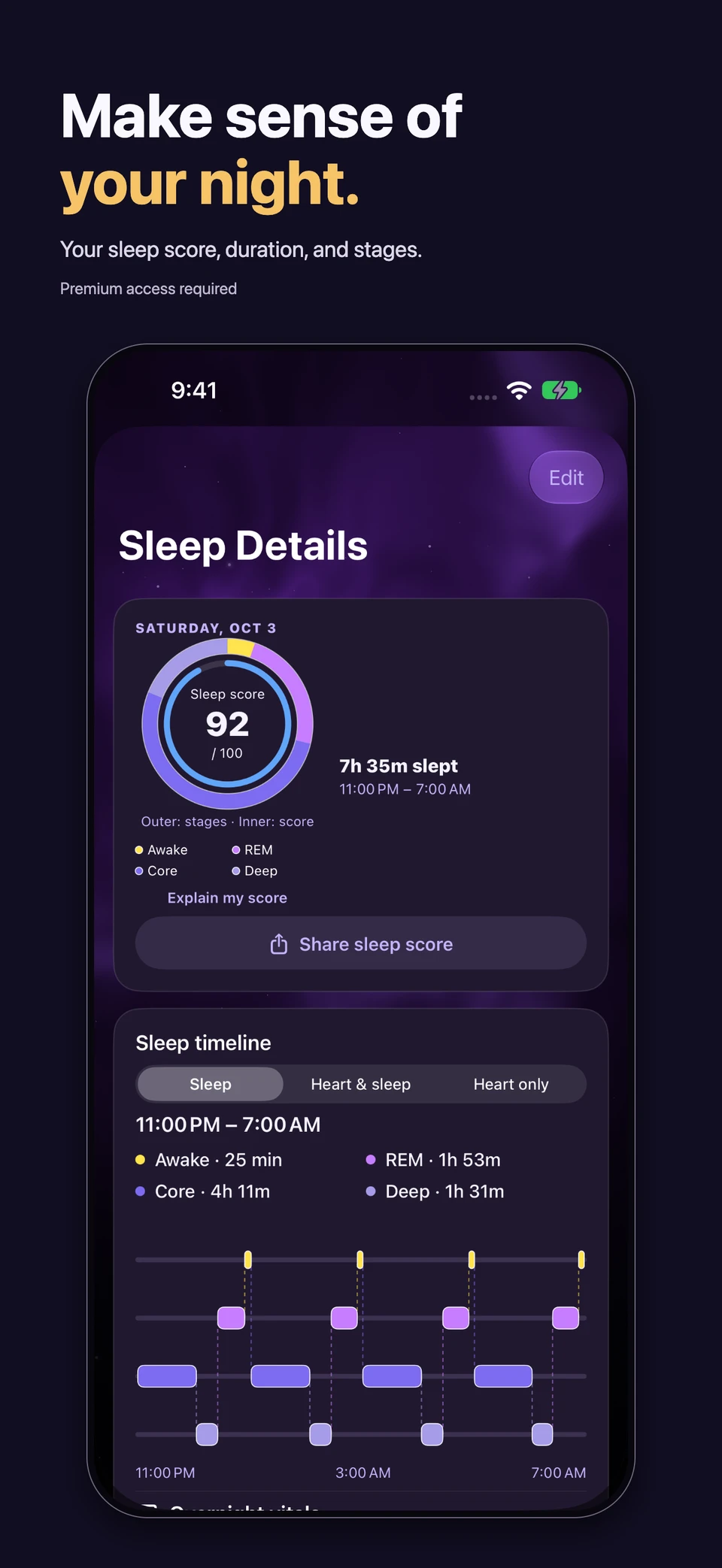
Example sleep data shown. Access to new-user setup requires an eligible trial or Premium purchase.
Scores, debt estimates, and habit insights are calculated on your Apple devices.
Your score describes a night. Sleep debt helps you notice a pattern.
Sleep debt
See an estimate of your recent shortfall against your personal sleep goal, with recent nights counting more. Recorded coverage helps you understand what the estimate is based on.
Tonight's plan
Preview a small bedtime change and see how much more time it creates across your upcoming sleep windows. Keep your wake time and choose the nights that work for you.
Your recorded night
Explore your score, time asleep, and recorded stages. When Apple Health provides them, follow Awake, REM, Core, and Deep sleep through the night.
Habits and insights
Log habits and how rested you feel, review patterns, and try one manageable change. Premium adds deeper comparisons, habit insights, reports, and rhythm views.
A clearer start
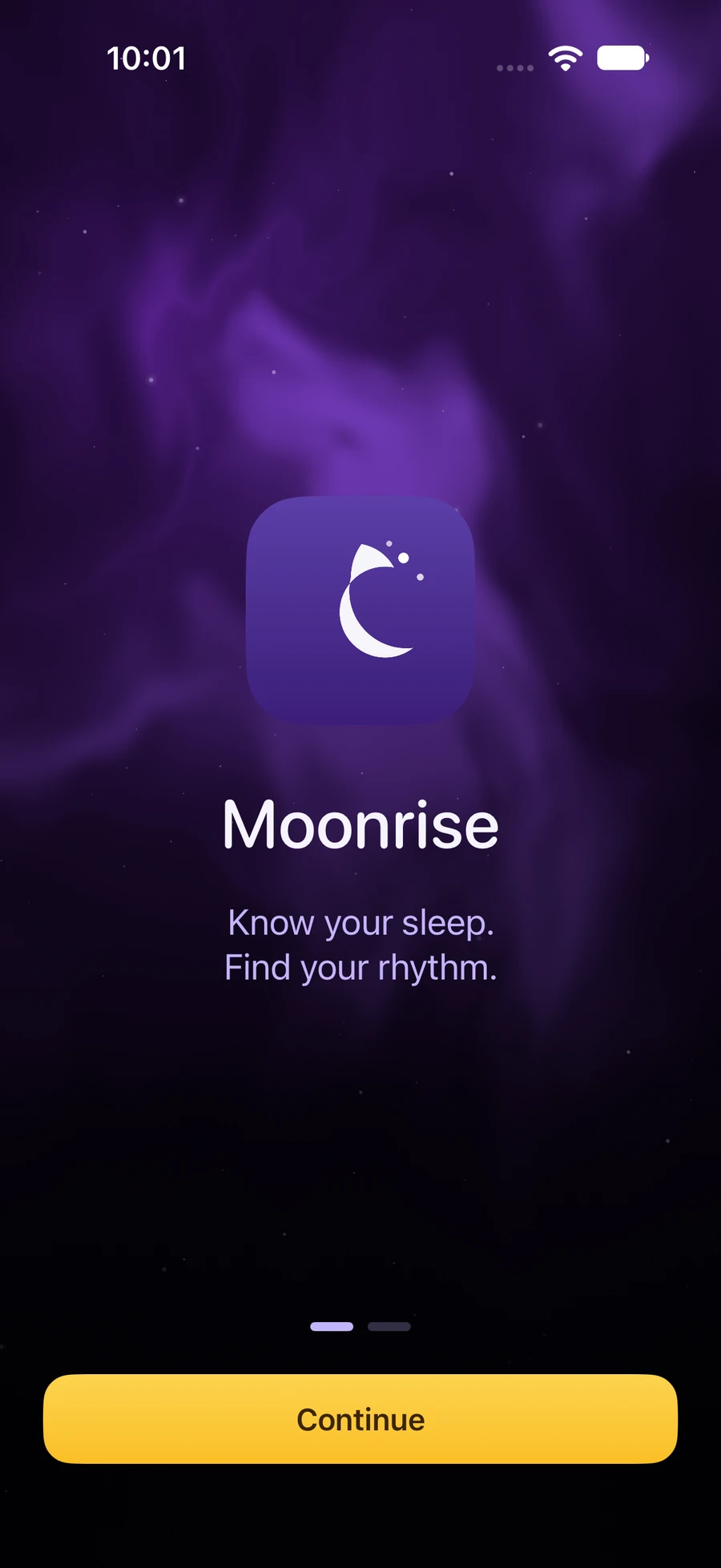
The refreshed welcome introduces Moonrise before setup. Interactive examples explain both shorter nights and meeting your goal, with practical next steps and smooth transitions.
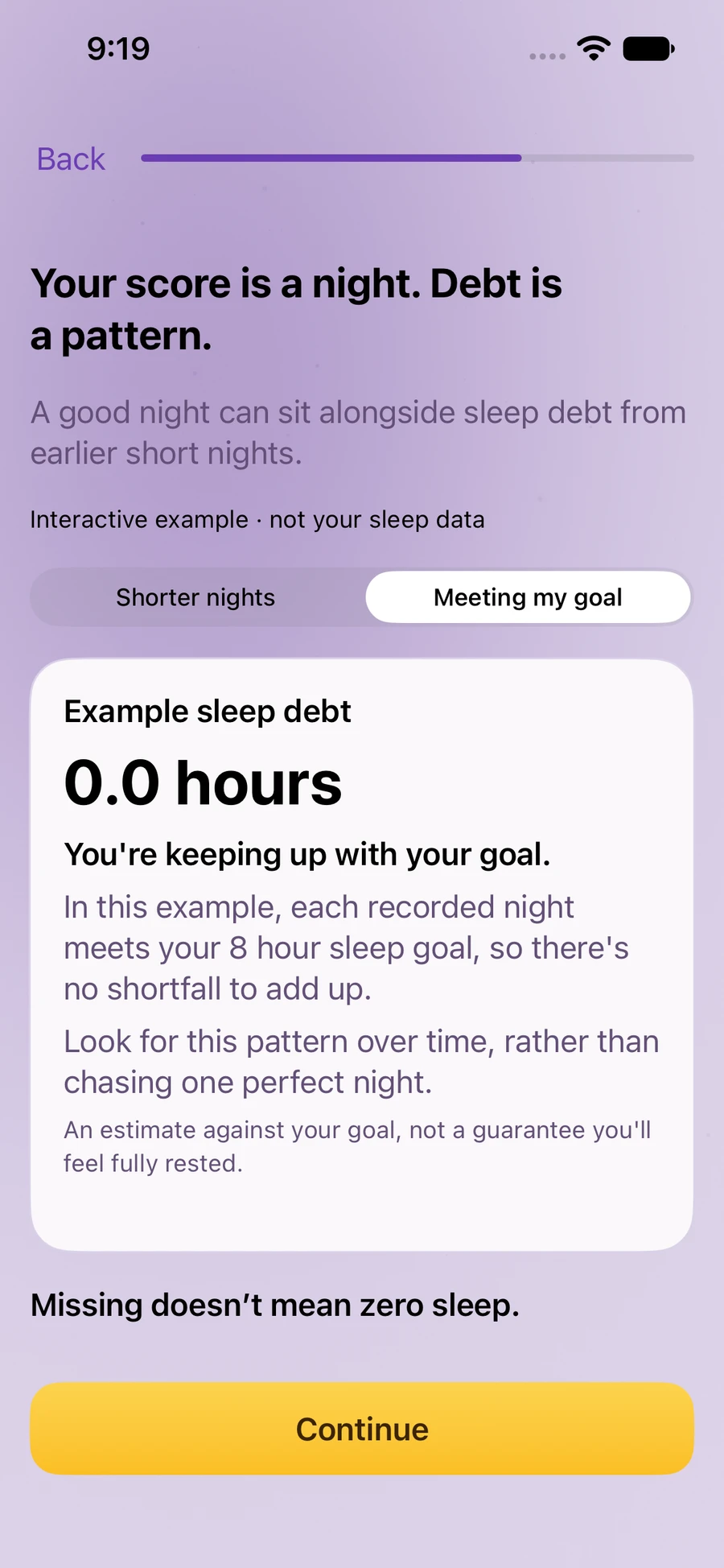
Wind Down, recorded timelines, history, insights, widgets, and manual logging.
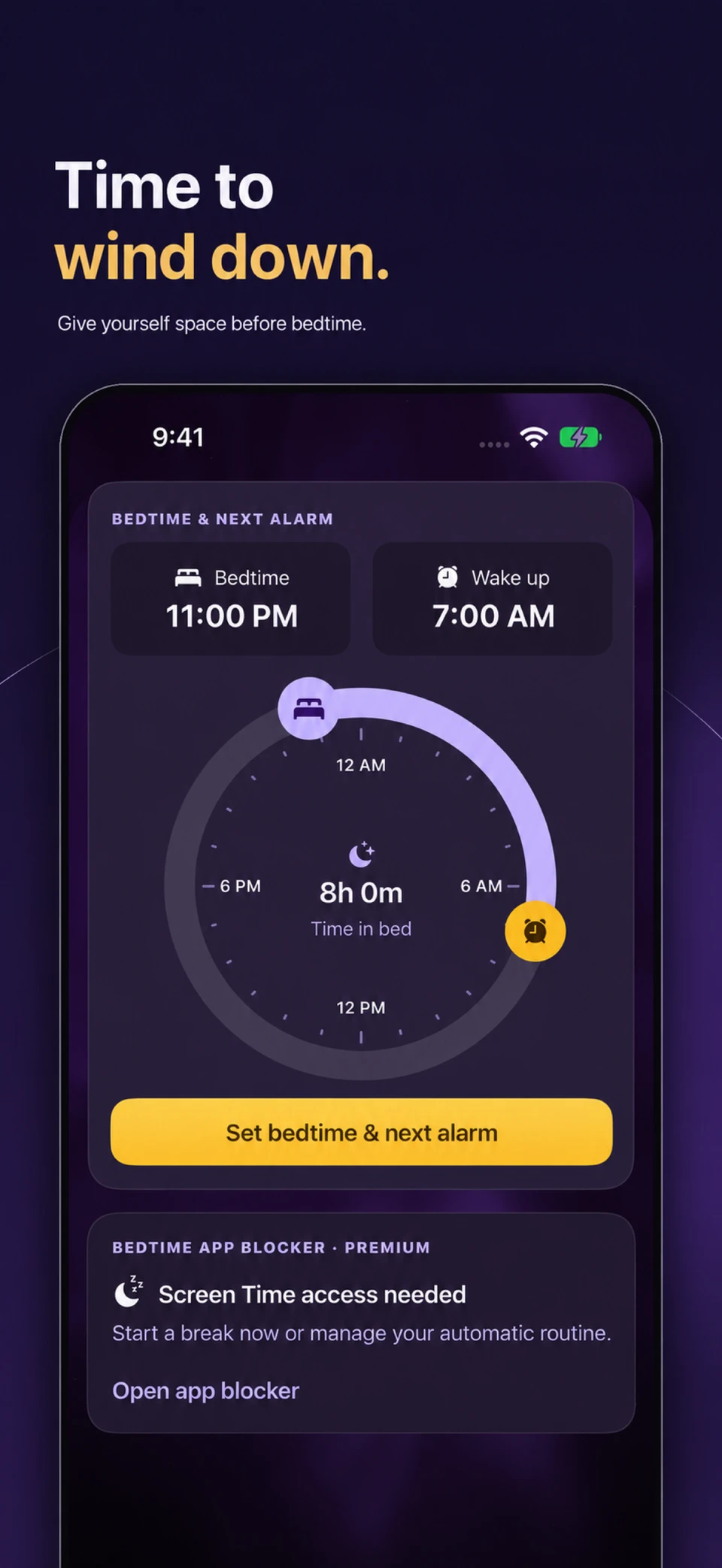
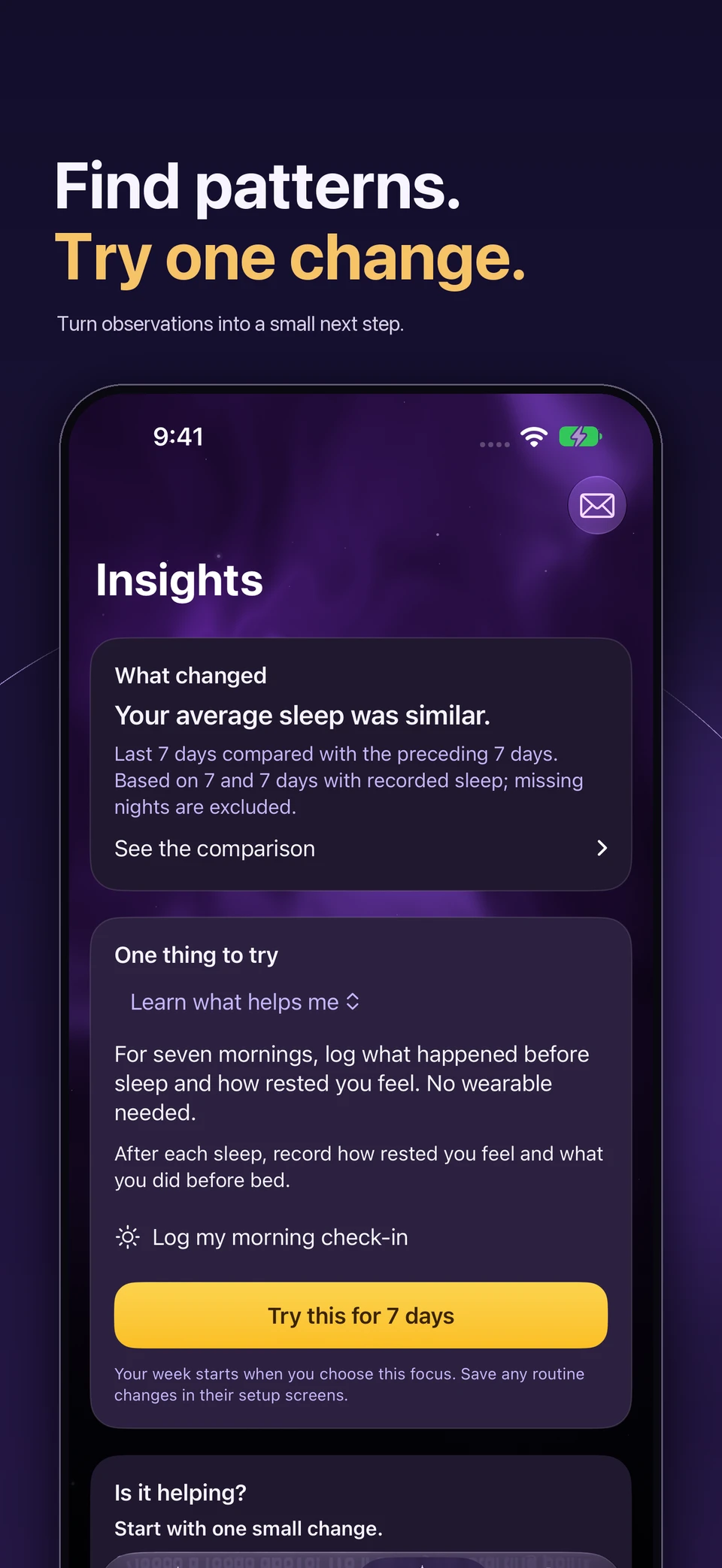
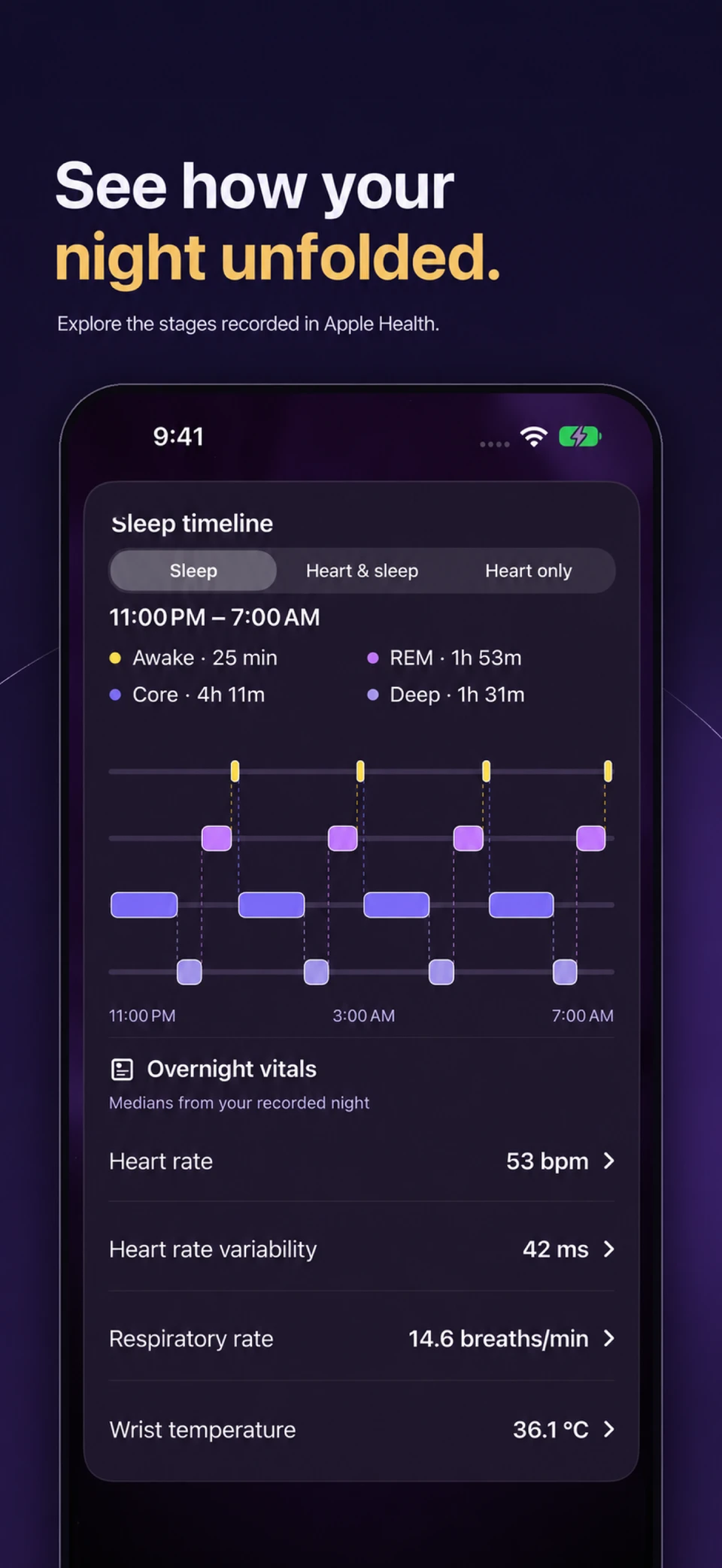
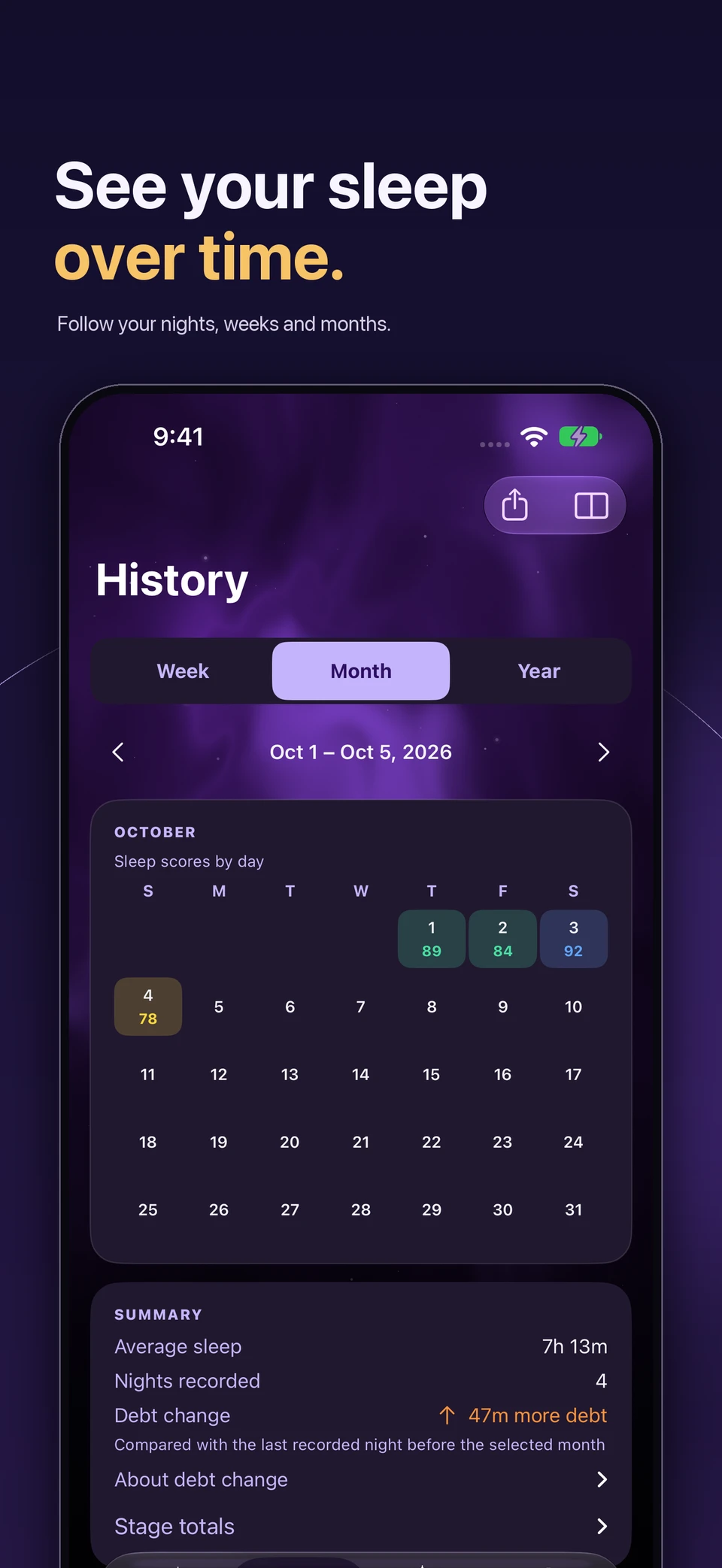
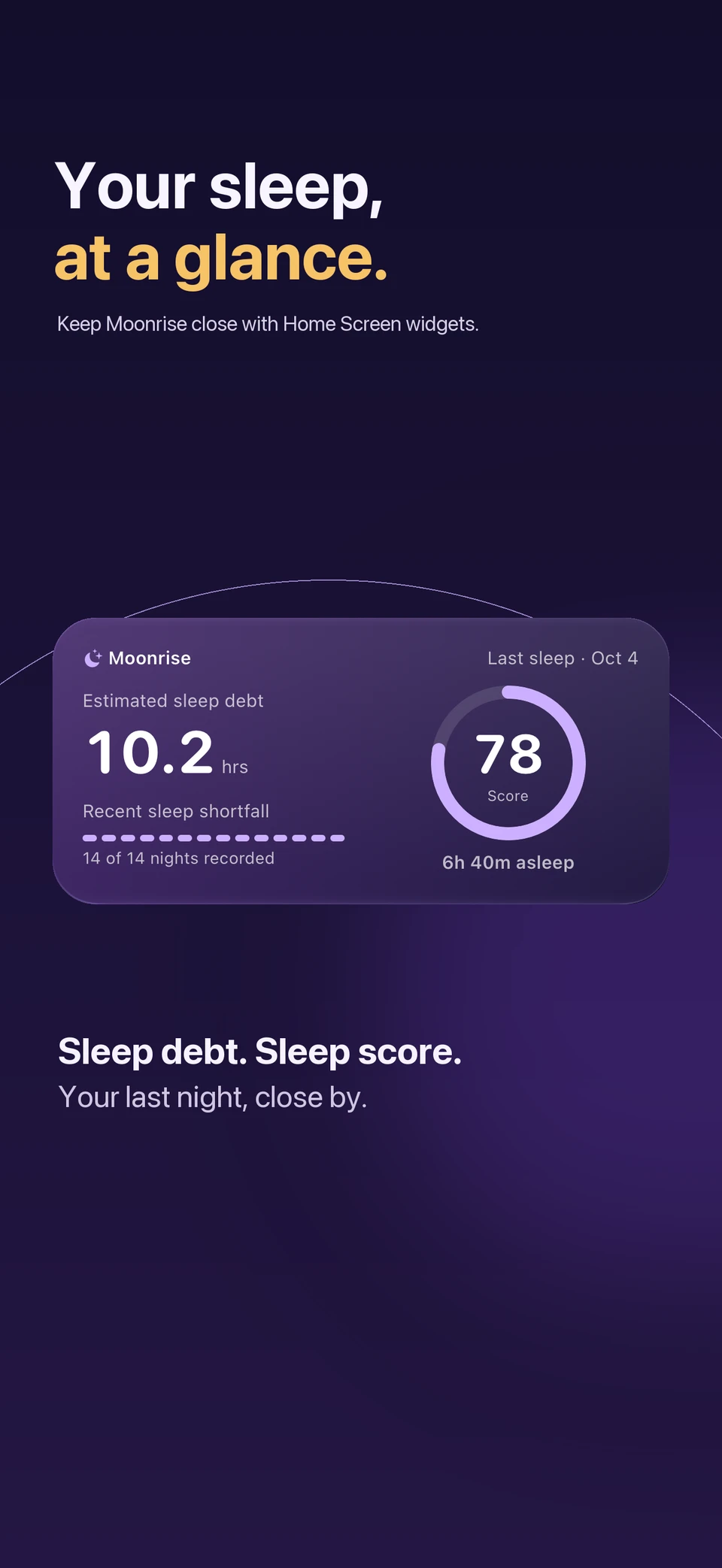
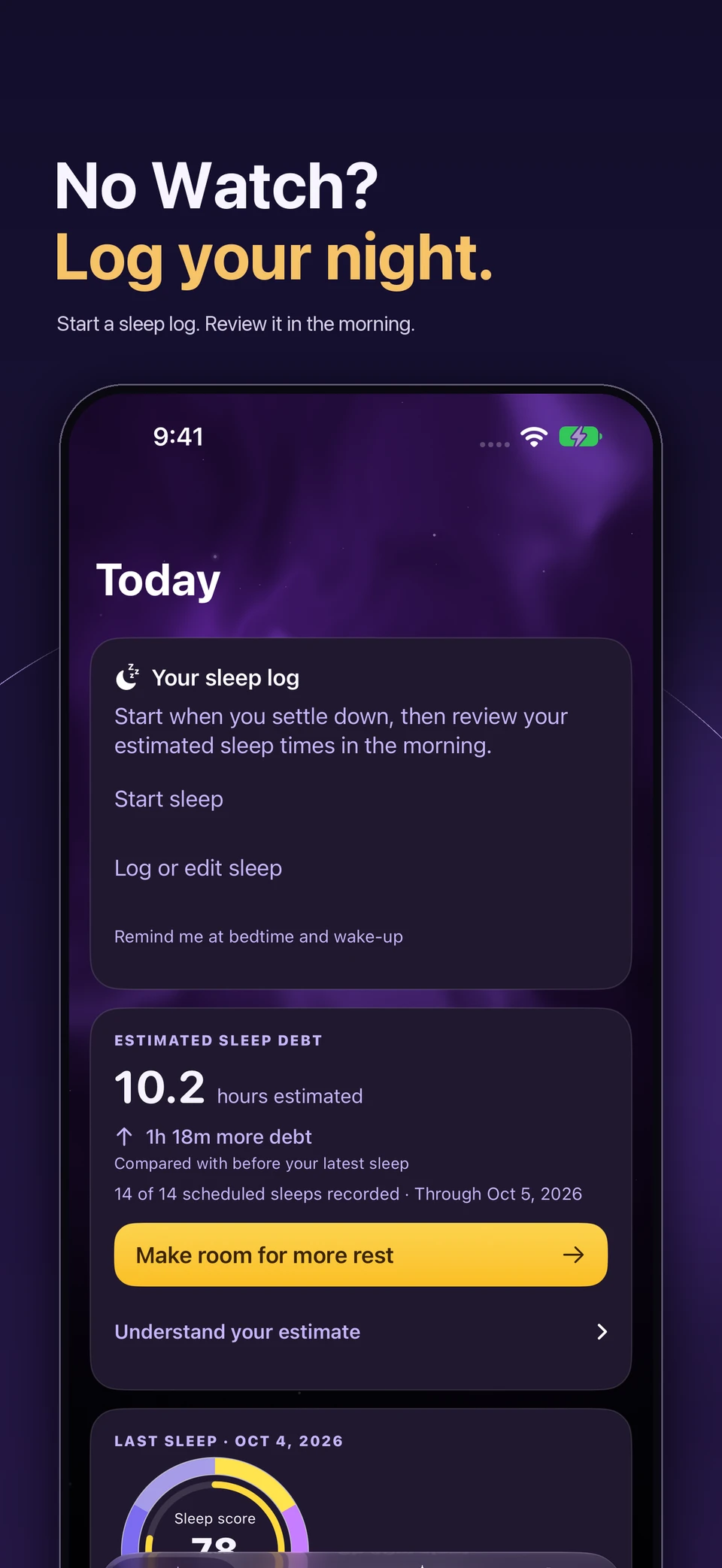
Screens show example data and Premium features. Sleep stages and overnight vitals depend on available Apple Health records.
Moonrise refreshes available Apple Health records when you open the app and when Health delivers updates. A recorded night can appear as Sleep so far before your planned wake time. Availability depends on Apple Health and your sleep source.
Choose a scheduled wake time and, optionally, an early-wake window. Early wake responds to an awake signal from Apple Health when available. Your scheduled alarm is the fallback. This feature does not predict your live sleep stage.
No. You can use compatible sleep records in Apple Health or log sleep manually. Detailed stages and overnight sensor readings require a source that records those measurements. CSV export is available in Settings.
Premium adds deeper habit insights, reports, comparisons, rhythm views, and bedtime app blocking. New users need an eligible trial or purchase to complete setup. Annual and lifetime options, current local prices, and any trial eligibility are shown in the App Store purchase flow.
Sleep and Health data are processed on your Apple devices. Optional onboarding events go to PostHog only after you allow sharing, and optional purchase reporting goes to RevenueCat under a separate choice. You control exports and support messages. Read the full privacy policy.
Sleep scores and debt are wellness estimates. How you feel matters, too.